Instrument cluster
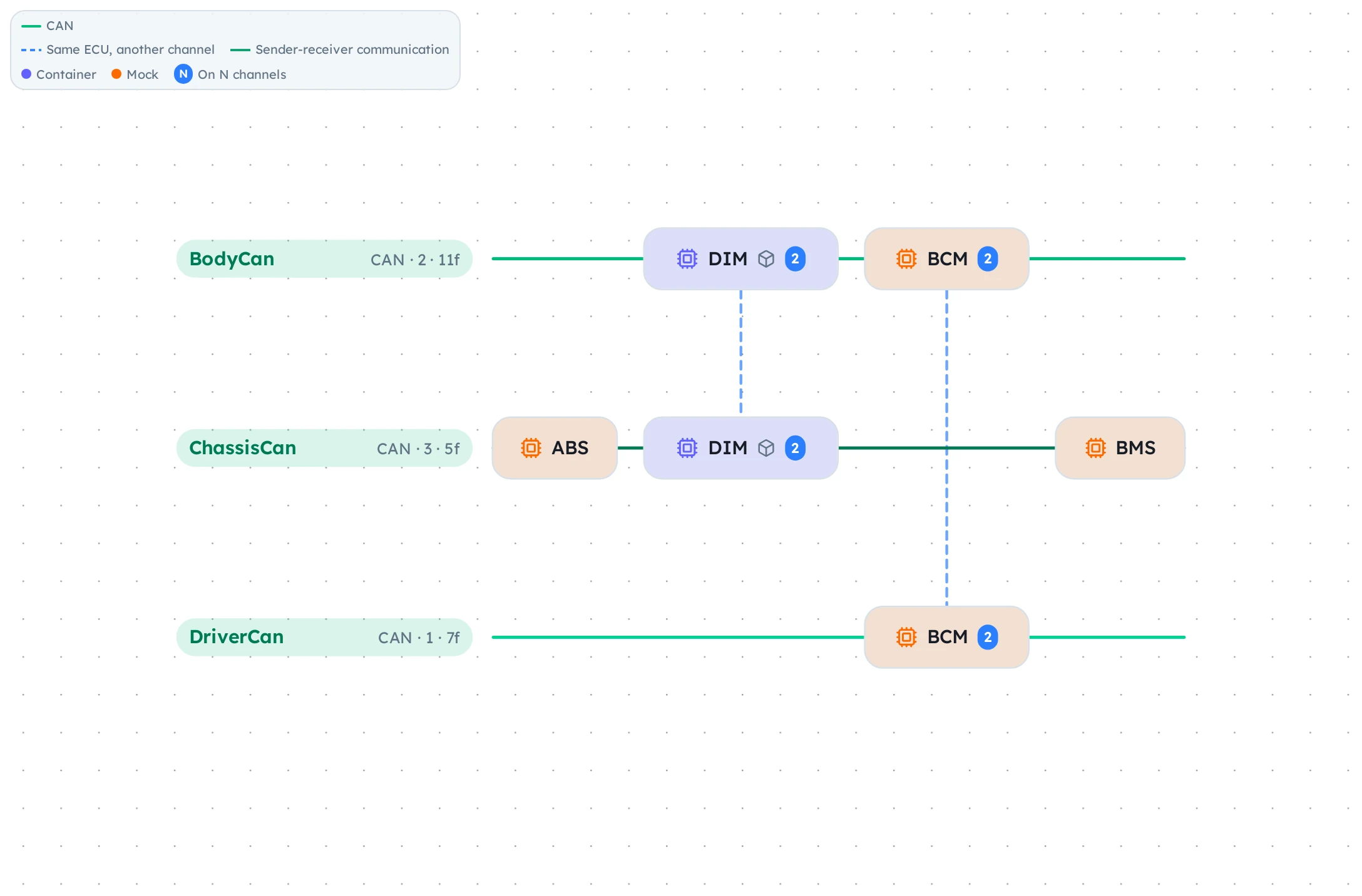
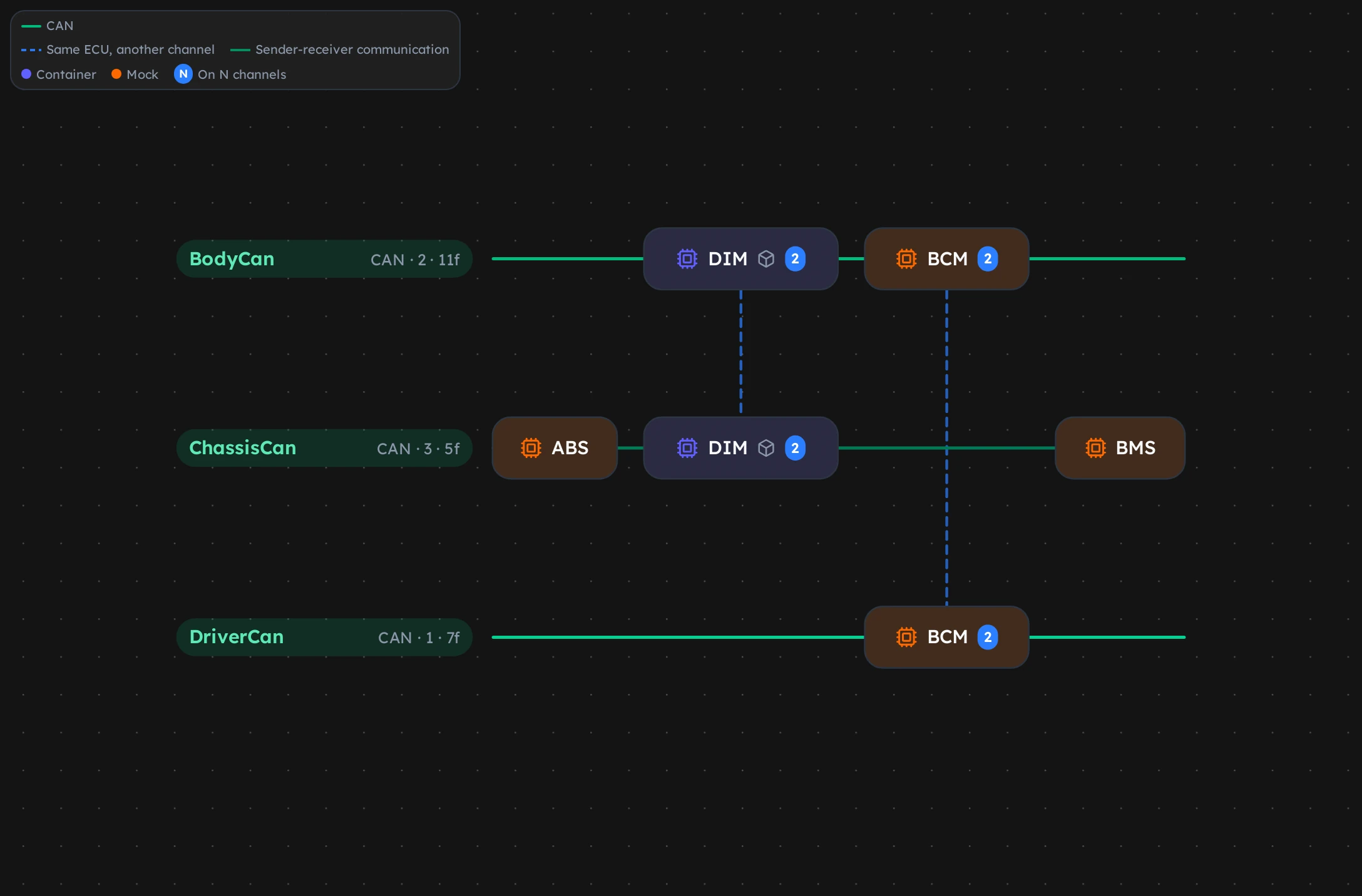
- Linux with RemotiveBus
Run it
git clone https://github.com/remotivelabs/remotivelabs-remotive-car.git
cd remotivelabs-remotive-car

remotive topology build -f instances/agl_cluster/main.instance.yaml build

docker compose -f build/remotive_car_agl_cluster/docker-compose.yml --profile 3dcar up --build
Open http://localhost:6080 for the cluster, or http://localhost:3000/?clusterIframe=http://localhost:6080 to see it inside the 3D car.
Running real ECU software in the topology lets you see how it behaves on the same signals as the rest of the platform.
Here the Driver Information Module (DIM) is a real instrument cluster in a container instead of a plain
RemotiveBroker: a Qt/QML application derived from the
AGL cluster demo dashboard.
- Part of the RemotiveCar example
- Instance: agl_cluster, the same topology as hello world with the cluster as the
DIM - Instance file: DIM/agl_cluster.instance.yaml
- Container image and application: models/dim/agl_cluster
- Dashboard to drive it: cluster.dashboard.json
The container is attached directly to the DIM CAN buses, so the cluster reads the real CAN frames over SocketCAN, decoded with the same DBC files as every other ECU. Nothing else in the topology knows what runs inside: replace the container with any other cluster that speaks CAN and the rest of the platform is unchanged.
Build and start it:
remotive topology build -f instances/agl_cluster/main.instance.yaml build
docker compose -f build/remotive_car_agl_cluster/docker-compose.yml --profile 3dcar up --build
The cluster is served as a web page on http://localhost:6080. The 3D car can show it as its instrument cluster: open http://localhost:3000/?clusterIframe=http://localhost:6080.
Notice:
- The cluster reads SocketCAN directly, so it needs Linux with RemotiveBus.
- No display is needed on the host. The cluster is rendered in the container and viewed in a browser.
- See the instance README for driving the cluster from the dashboard or the command line, running it with Android, and its tests.