3D visualization
Run it
git clone https://github.com/remotivelabs/remotivelabs-remotive-car.git
cd remotivelabs-remotive-car

remotive topology build \
  -f instances/hello_world/main.instance.yaml \
  -f settings/can_over_udp.settings.instance.yaml \
  build

docker compose -f build/remotive_car_hello_world/docker-compose.yml --profile 3dcar --profile jupyter up --build
Open http://localhost:3000 for the car and http://localhost:8888 for Jupyter, then press the hazard button in the notebook.
Viewing the vehicle in 3D provides an immersive way to see the current state of the vehicle.
- Part of the RemotiveCar example
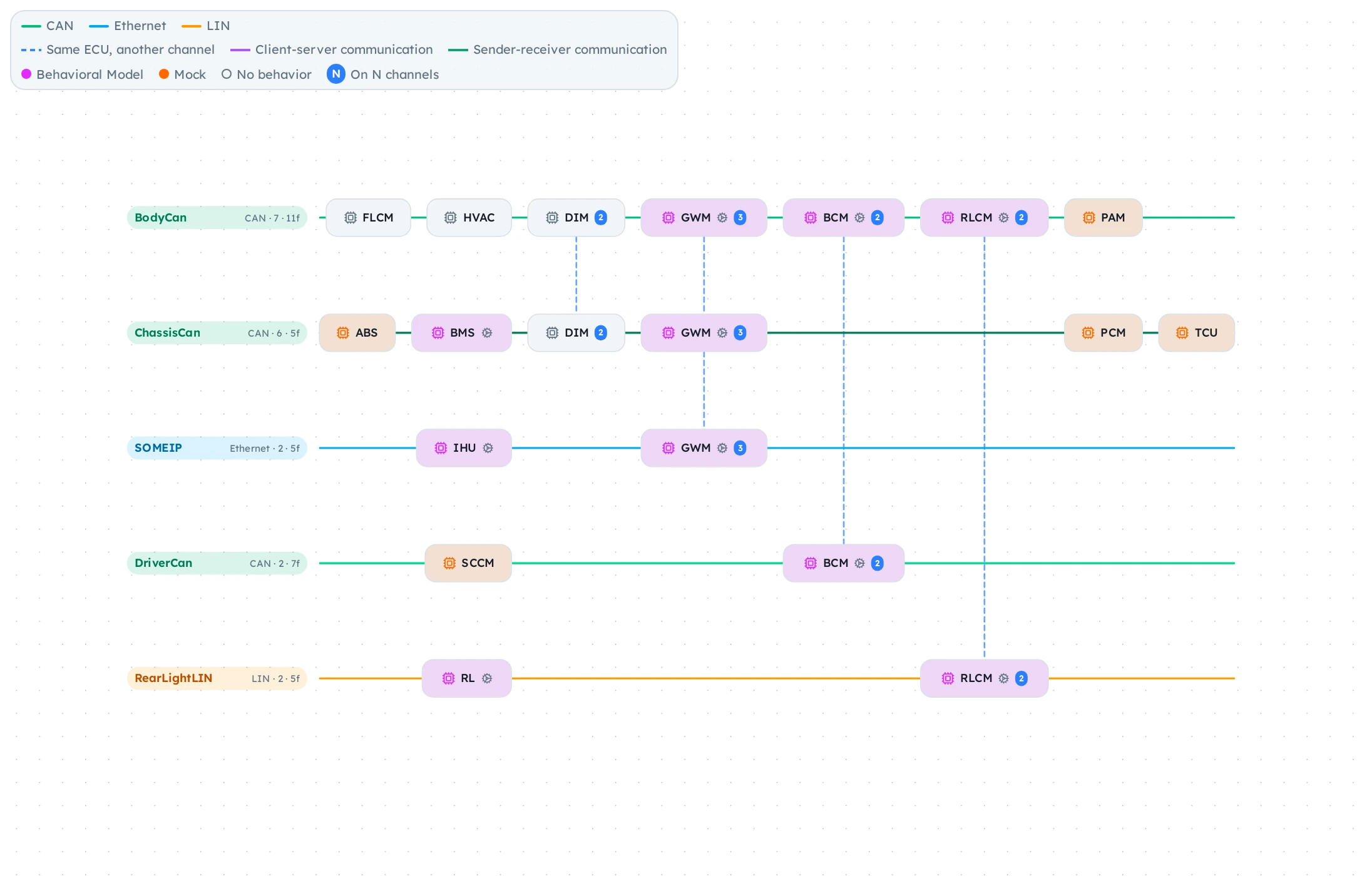
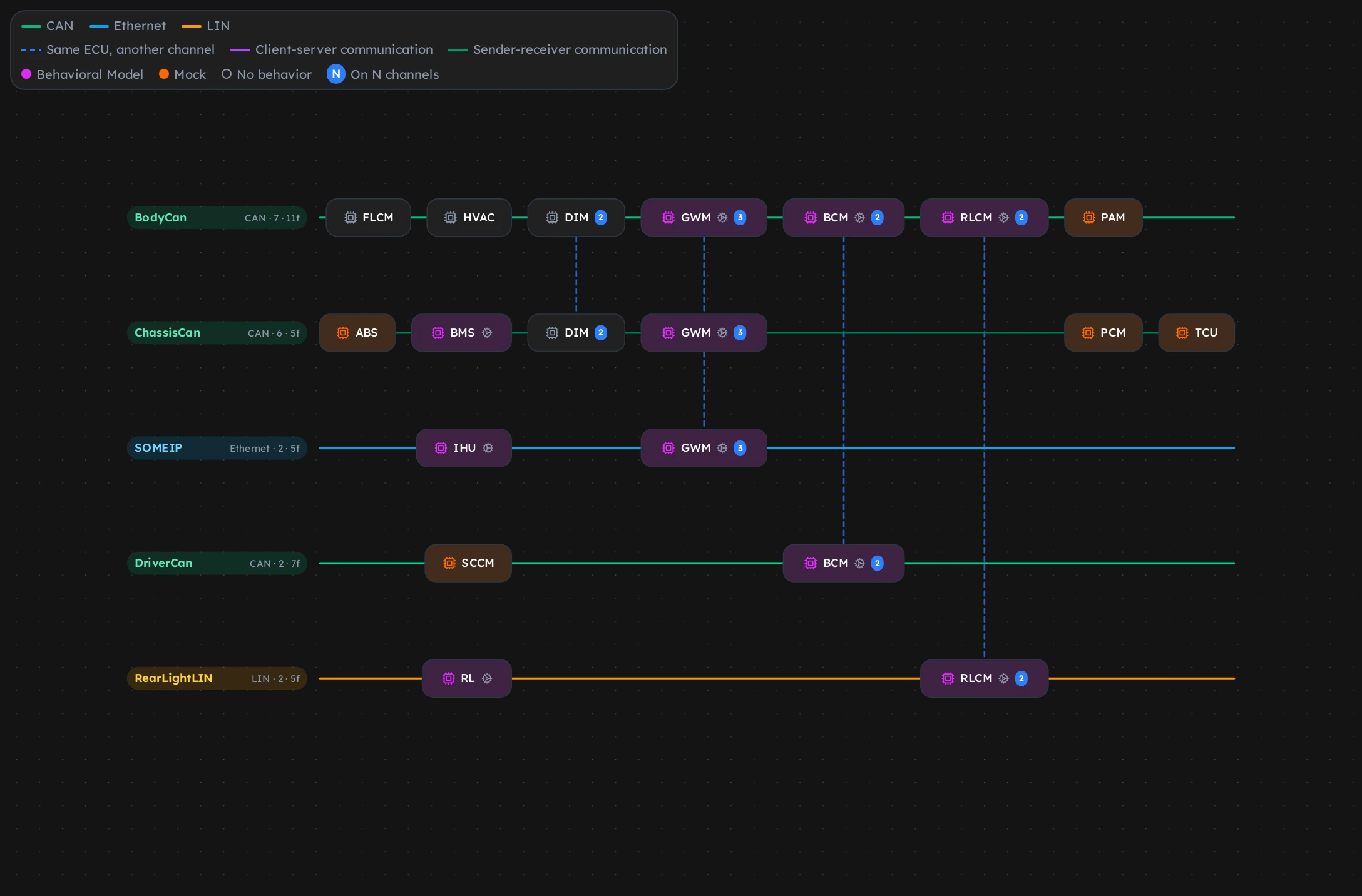
Including 3d_car.instance.yaml when generating adds a 3d-car container that serves a 3D model of the vehicle, reachable at http://localhost:3000. The model reacts in real time to signals on the topology and when running with Cuttlefish it proxies the display so the Android screen can be viewed and interacted with in 3D.
The signals driving the visualization are configured in 3d_car_mapping.yaml, which maps broker signals to 3D car inputs. The current mapping covers:
- Exterior lighting — brake lights, daytime running lights, low/high beam and turn signals
- Driver inputs — steering angle, accelerator and brake pedal positions, turn stalk, light stalk and hazard button
- Vehicle state — gear lever position and speed
To change which signals are reflected in the model, edit 3d_car_mapping.yaml and regenerate.
Start instance with 3D visualization:
remotive topology build ...
docker compose -f ... --profile 3dcar up
Example with hello_world instance with Jupyter to control the vehicle:
remotive topology build -f instances/hello_world/main.instance.yaml build
docker compose -f build/remotive_car_hello_world/docker-compose.yml --profile 3dcar --profile jupyter up --build
Notice:
- When using your own platform you provide a different mapping file that describes how your signals map to the 3D model.
- Contact support@remotivelabs.com if you want to use a different 3D model.