Replay candump or CSV
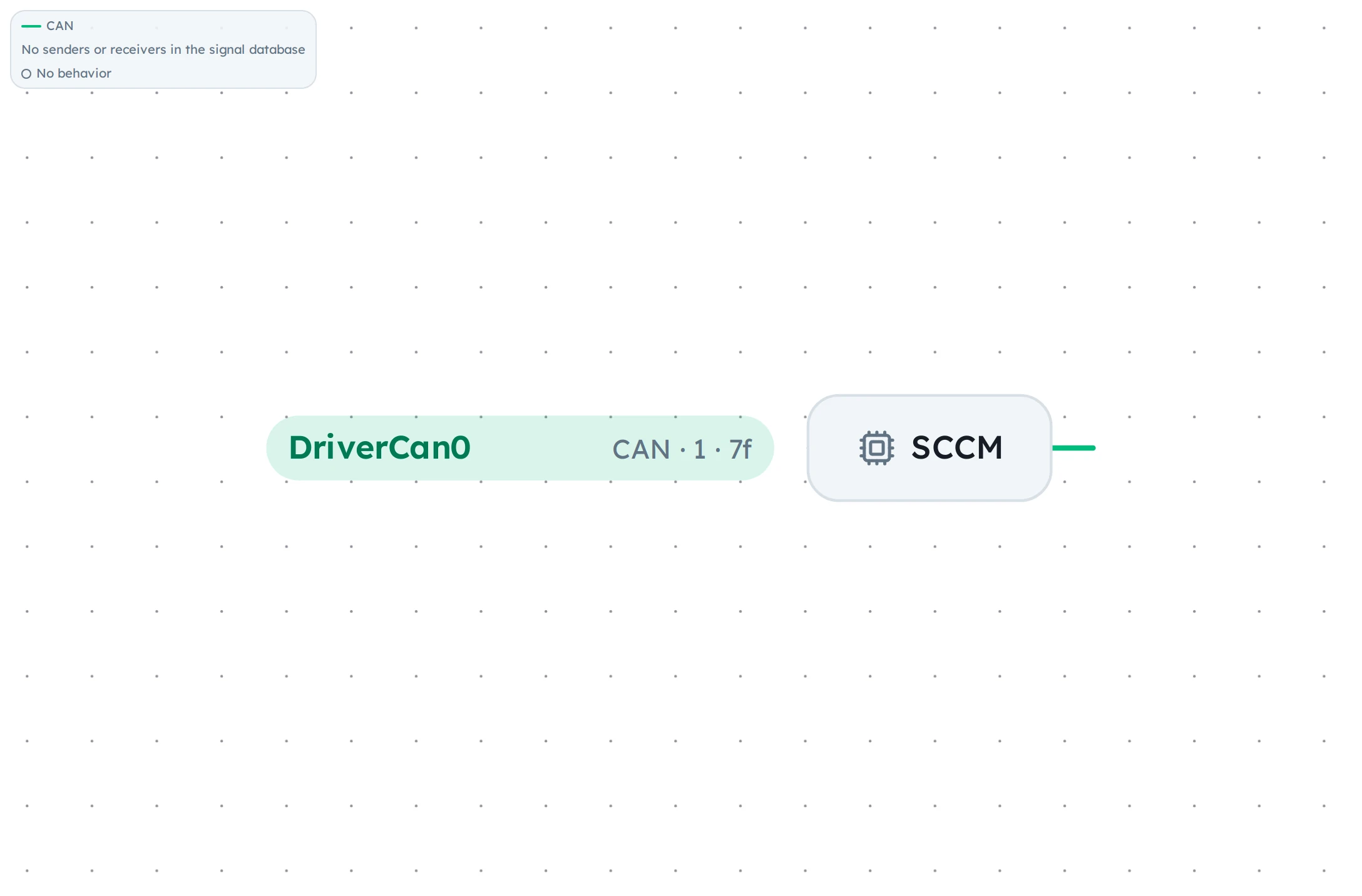
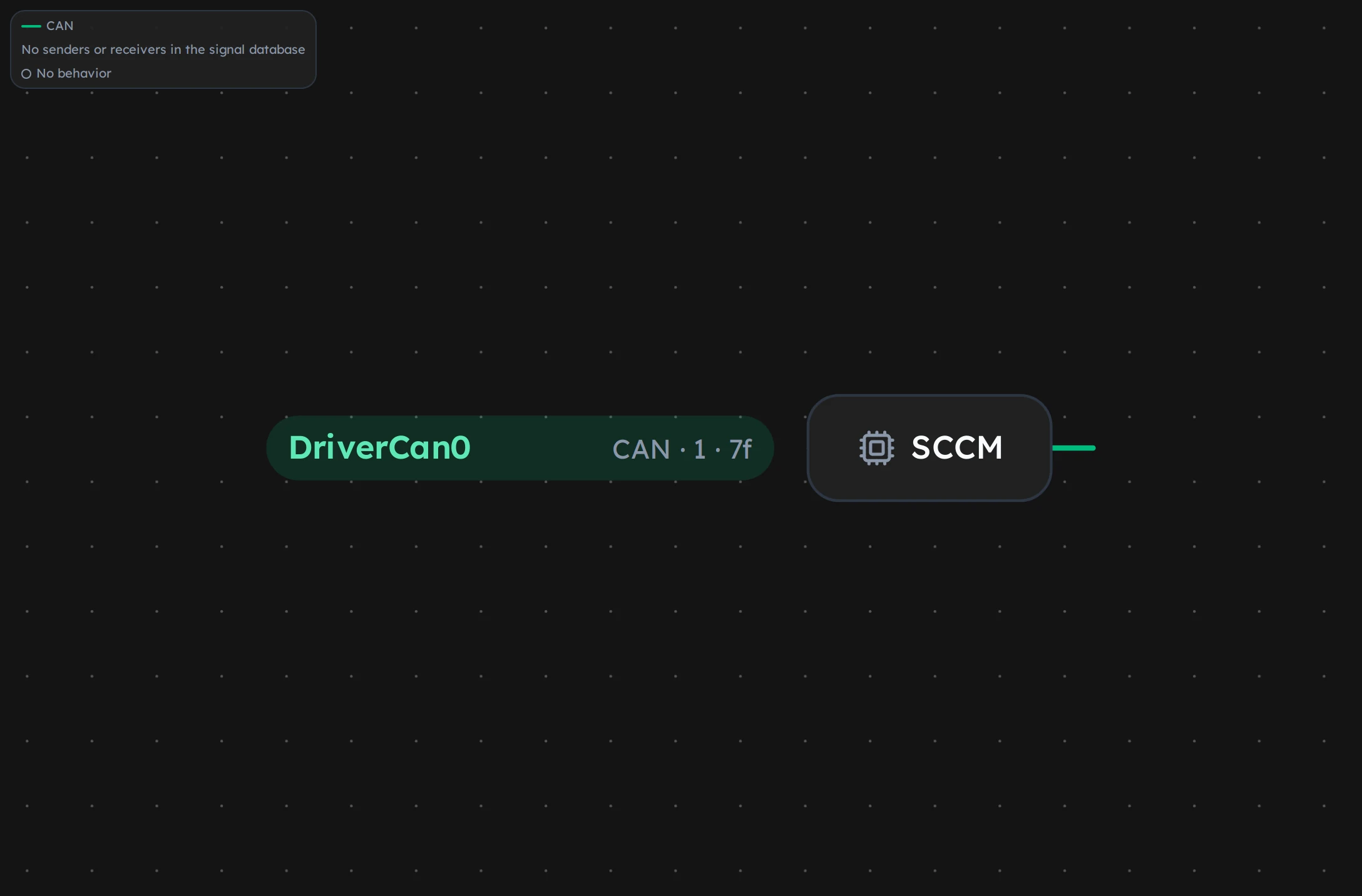
Requires
- Linux with RemotiveBus
Run it
git clone https://github.com/remotivelabs/remotivelabs-topology-examples.git
cd remotivelabs-topology-examples

remotive topology build -f basic_restbus/instances/recording.instance.yaml build

docker compose -f build/basic_restbus_recording/docker-compose.yml up --build
Open and play recordings/sample_csv.recordingsession.yaml in RemotiveStudio, or with remotive broker playback as the example README shows.
Instead of setting the values of a restbus programmatically, you can load them from a recording, such as a CSV file of signals or a candump of raw frames, and replay it onto the CAN bus.
- Restbus example
- Instance file: recording.instance.yaml
- Recording sessions: sample_csv.recordingsession.yaml
(a single signal,
SteeringAngle.SteeringAngle) and sample_candump.recordingsession.yaml (all frames in the database)
Build and start it:
remotive topology build -f basic_restbus/instances/recording.instance.yaml build
docker compose -f build/basic_restbus_recording/docker-compose.yml up --build
Then open the recording session, set it to repeat and play it from RemotiveStudio
or with remotive broker playback, as the example README shows.
Notice:
- A recording session can transform signals, for when the recording comes from a different channel or platform than the one it is replayed on. Signal playback in RemotiveCar shows a larger example.
- Read more about recordings in the documentation.