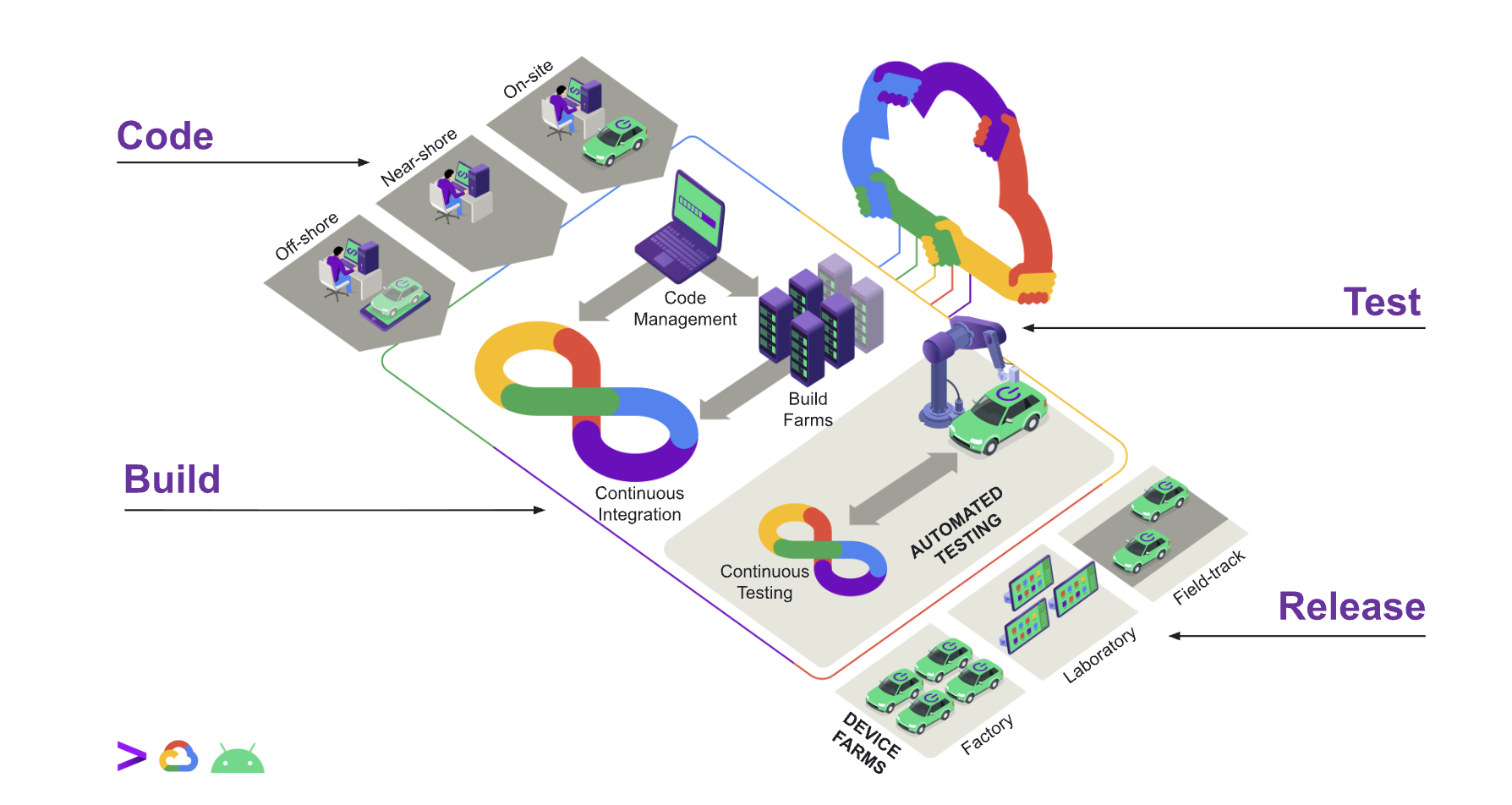

RemotiveTopology was recently added to Google Horizon which is an open source software development platform built by Google Cloud. Horizon is designed to help automotive manufacturers and suppliers build, test, and deploy software for Android Automotive Operating System (AAOS) more efficiently.
This blog post shows how easy Horizon CLI allows you to start a virtual test bench running RemotiveTopology. A virtual test bench allows you to run part of a vehicle and interactively explore it without installing anything on your local machine.
Setup
After installing Horizon in your Google Cloud Project, make sure you enable the modules workloads-common and remotive-topology. Follow the setup instructions for RemotiveTopology.
Setting up the Horizon CLI is very easy:
export HORIZON_DOMAIN=horizon.yourdomain.com
horizon auth login
In order to start a RemotiveTopology VM in your Google Cloud you must create a template that describes the type of instance that's used. To run the RemotiveCar example with Cuttlefish you should at least use n2-standard-16 with 200 GB disk. Also make sure to enable nested virtualization which is needed for Cuttlefish. Smaller topologies can be run on smaller instances. You only need to create a template once:
horizon workflow submit \
    --module remotive-topology \
    --template remotive-instance-template \
    --params-json '{"instanceName": "remotive-cf-vm", "machineType": "n2-standard-16", "bootDiskSize": "200", "enableNestedVirtualization": "true"}'
Starting RemotiveTopology
Once the setup has been completed it's very simple to start a virtual test bench:
horizon workflow submit \
    --module remotive-topology \
    --template remotive-launcher \
    --params-json '{"topologyName": "remotive_car", "topologyDownloadUrl": "https://files.remotivelabs.com/experimental/remotive_car-0.6.0-organicmaps.tgz", "instanceTemplateName": "instance-template-remotive-cf-vm", "runTopologyTests": "false", "keepAliveTime": "60", "mtkConnectPublic": "false"}'
Notice:
runTopologyTests=falsesince the goal with this example is to create virtual test bench which you can interact and experiment with. When running in CI change this totrueand make sure the topology includes test cases.mtkConnectPublic=falseto only give yourself access to the test bench. When running in CI change this totrueto allow anyone to investigate errors.keepAliveTime=60to keep the test bench for 60 minutes. Feel free to change this! This ensures that you don't incur unnecessary costs.- In this case
topologyDownloadUrlspecifies the example RemotiveCar bundled with Organic Maps. You can also using Google Cloud storage to access your private topologies.
Where to go next
- RemotiveTopology: learn more about RemotiveTopology
- RemotiveTopology examples: the examples repository, a good place to start from a working setup.
- Google Horizon: source code for Horizon
- RemotiveTopology in Horizon: press release about RemotiveTopology in Horizon